Backup
Local backup in Repleta: prepare before changing phones
Repleta's backup is a validated local file. It helps move household data to another phone without creating an account or cloud sync.
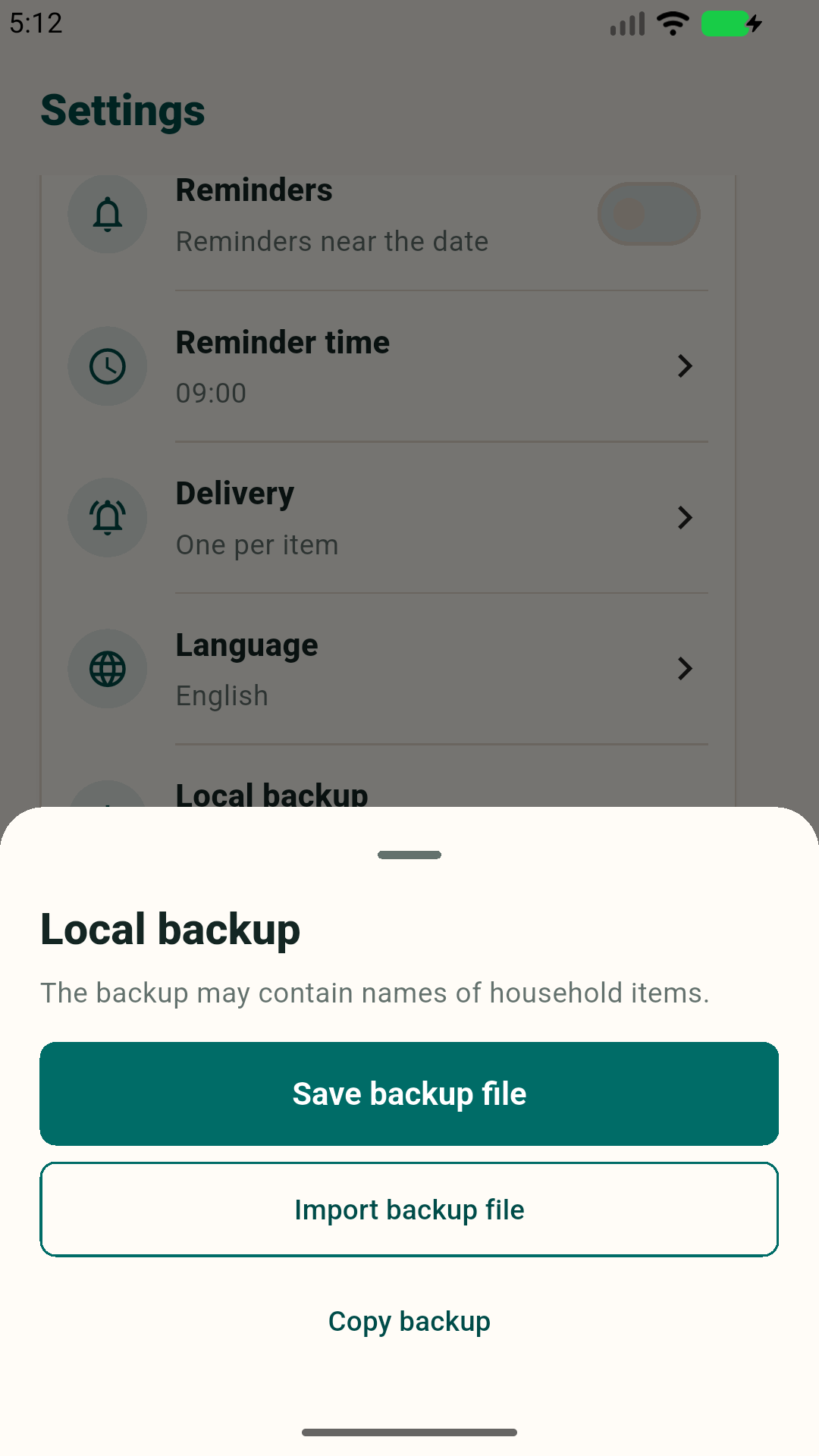
Backup lives in settings
Repleta uses a repleta.backup file with preview and validation before import. The file is not an account and does not sync devices in real time.
View RepletaWhat local backup solves
Repleta keeps its main data on the device and remains useful without an account or cloud sync. That keeps the routine simple, but it also makes export important before changing phones.
The backup file preserves items, cycles and household history. It does not turn the app into shared state across devices.
- Export before selling, formatting or handing over the old phone.
- Store the file somewhere you can access from the new phone.
- Import only files you recognize.
Before changing phones
Open Repleta on the old phone
Check that important items are current and mark only restocks that really happened.
Export the file
Use the backup option in settings and save the repleta.backup file in a safe place.
Install on the new phone
After installing the app, import the file and review the preview before confirming.
Merge or replace
When importing, merge preserves existing data on the device and adds what comes from the validated file. It is the more careful choice when you already added items on the new phone.
Replace swaps the local set for the backup contents. It makes sense when the new phone has no important data and the old file is the right source.
In both cases, Repleta only completes the import after validating the file. The Plus subscription and device-specific information stay outside the backup.
| Option | When to use | Care point |
|---|---|---|
| Merge | The new phone already has items | Review possible duplicates after import |
| Replace | The old backup should become the local base | Use only when there is no important local data |
| Cancel | The preview does not look right | Find the correct file before trying again |
What not to expect from backup
Local backup is not continuous sync. If you use two devices, they do not stay updated automatically.
It is also not a family invite, shared account or online history. It is a simple way to carry household memory when you need it.
REPLETA
Turn this guide into reminders.
Add recurring household items, set an approximate cycle and receive local alerts before something needs attention.